Microsoft 365 Outage: Why Every Reboot Failed
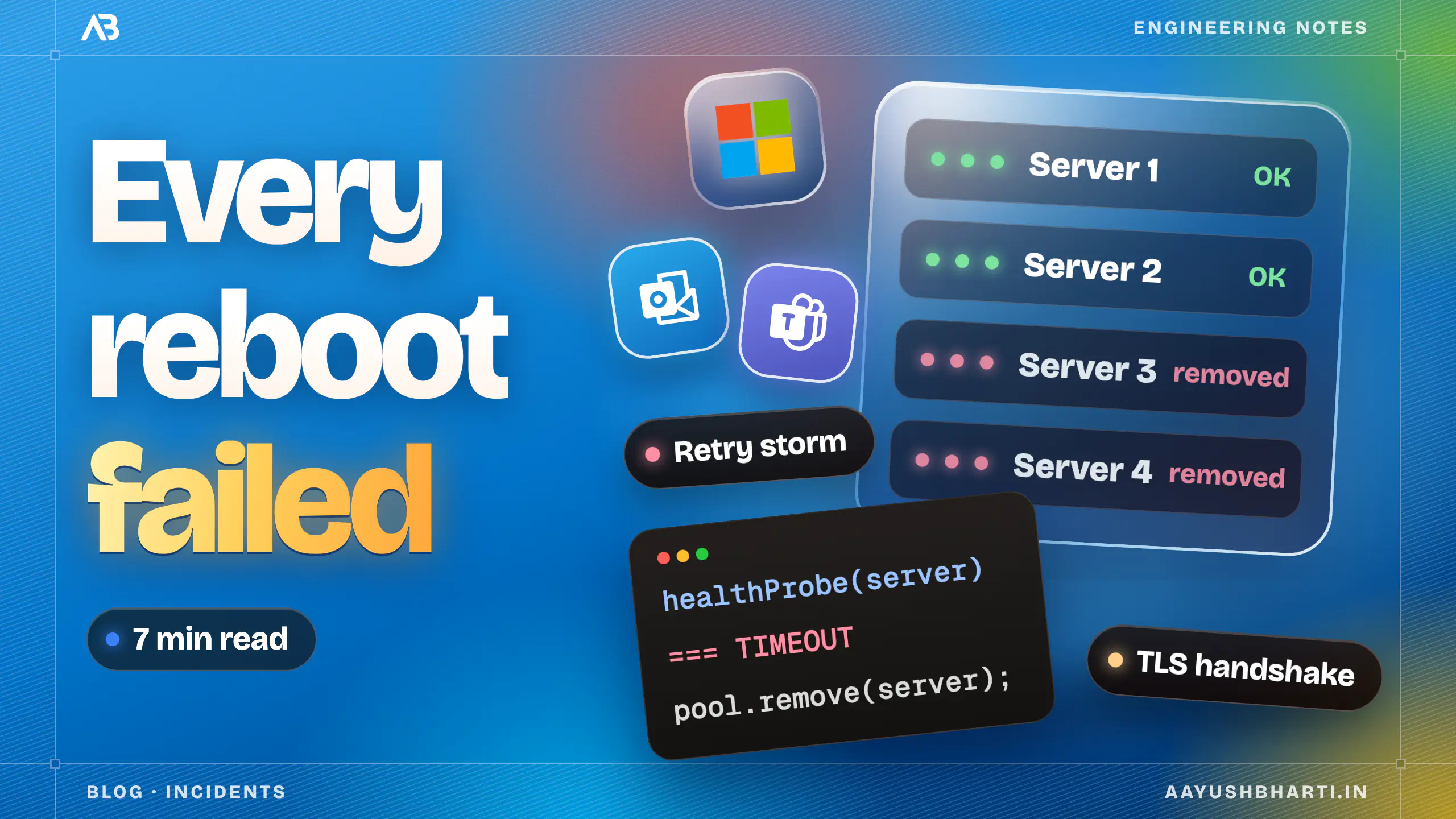
TL;DR: On November 12, 2026, Microsoft 365 went down in 70+ countries with no rise in traffic. Servers failed health checks and were removed, and the remaining servers were overwhelmed by expensive secure-connection setup. Rebooted servers looked healthy, then failed again as clients reconnected all at once. Microsoft recovered by changing how health was checked, reintroducing traffic gradually, and rolling back a network change that lined up with the start of the outage.
On November 12, 2026, Outlook, Teams and Copilot stopped working in offices across more than 70 countries, for about a day and a half. The NHS cancelled some operations and Singapore's courts ran into trouble (opens in new tab), because their calendars and mail ran on it too.
The strangest part showed up in Microsoft's own updates. Engineers restarted servers, and the servers came back healthy. Then, as Microsoft put it, they "can become unresponsive again once they begin receiving traffic." (opens in new tab) Reboot, green, dead. Over and over.
And it wasn't a traffic spike. Microsoft said the load "isn't driven by an increase in traffic, but by a number of servers being unexpectedly unavailable." (opens in new tab) It wasn't an attack either: Microsoft found no evidence of malicious activity (opens in new tab). So what knocks servers over when nothing outside has changed?
Before the official report
Microsoft hasn't published its Post-Incident Report yet. The facts come from its status updates during the incident; how the pieces fit together is my reading. I'll update this post when the report is out.
Healthy servers get kicked out
Every big service sits behind a load balancer, and load balancers follow a simple rule: ask each server "are you OK?" every few seconds, and stop sending it traffic if it misses a few answers in a row.
if ((await healthProbe(server)) === TIMEOUT) {
  pool.remove(server);
}
On November 12, servers started to "fail automated health checks and become unavailable." (opens in new tab) Microsoft's early read was that the failures "may originate from a specific component that's responsible for processing server health" (opens in new tab), and the start lined up with a recent network configuration change. Microsoft later said the disruption stemmed from "an issue during an earlier network capacity upgrade." (opens in new tab)
In other words, servers that may have been fine were being marked as broken, and the rule pulled them out.
The users of the removed servers don't disappear. Their traffic lands on whoever is left.
The servers left behind drown
Microsoft named the thing that buckled: "a process on the affected servers responsible for establishing secure connections." (opens in new tab) Microsoft didn't say "TLS", but that's what setting up a secure connection means on the web: the TLS handshake every laptop and phone does before it can talk to a server.
A new connection is far more expensive than an open one. The handshake uses public-key cryptography to agree on keys, and that maths is heavy on the CPU. Once the connection is open, everything after it uses fast symmetric encryption. An open connection is cheap work for a server; every new one is a heavy lift.
Now the survivors are getting traffic meant for several servers, much of it new connections from users whose server just vanished. Microsoft's words: "a core process on the affected servers is becoming overwhelmed, which causes the servers to stop responding." (opens in new tab) They miss their own health probes, and the rule removes them too. That's a cascading failure: a death spiral where every turn removes more servers.
Why every reboot failed
A freshly rebooted server has zero open connections. That's why it looks perfect with no traffic: it has nothing to do.
Then the gates open. Outlook, Teams and every app built on Microsoft 365 have been failing for hours, and they keep retrying until a server answers. Each retry needs a brand-new handshake, because a rebooted server has no connections to reuse. So a fresh server's first job is almost entirely the most expensive kind of work, arriving in one burst.
This is a thundering herd retry storm: every client stampeding toward the first server that looks alive. It's like being hit by a DDoS attack from your own users, except nobody is attacking. It's just ordinary apps doing exactly what they were built to do, all at the same moment.
How Microsoft broke the loop
Restarting alone couldn't fix it, because restarts were part of the loop. Going by Microsoft's updates, three things did, in roughly this order:
- Stop kicking out servers that can work. On the evening of November 12, Microsoft "validated an alternative service health check method" (opens in new tab), which brought some servers back into rotation.
- Open the gates slowly. Engineers began "isolating a portion of infrastructure, restarting affected components, and reintroducing traffic" (opens in new tab), so the reconnect storm hit a few servers at a time instead of all of them.
- Roll back the trigger. At 01:06 UTC on November 13, Microsoft began reverting "a recent network configuration change that correlates with the start of impact," (opens in new tab) and later patched an upstream configuration component.
Servers started to stabilise on the morning of November 13, and the last customers were restored on November 14. The first two steps bought time. Only fixing the trigger ended it.
What to take from it
Microsoft described the changes it was weighing as "the small number of recent configuration updates we identified." (opens in new tab) The rules around them turned a small change into a global outage, and every system has its own version of those rules:
- A health check shouldn't be able to empty the pool. Cap how many servers it can remove at once. A slow server serves more users than a missing one.
- Busy is not dead. "Is the process alive?" and "is it overloaded?" are different questions with different answers: replace a dead server, shed load on a busy one.
- Overload should slow you down, not knock you over. Cap how many new connections a server accepts at once and turn the rest away quickly, so it keeps serving the users it already has.
- Plan the way back. After an outage, everyone reconnects at once. Clients need exponential backoff with jitter (random delays, so they don't all retry in sync), and recovery needs a ramp, not a switch.
- Config changes are deploys. Roll them out region by region, with an automatic stop when errors climb.