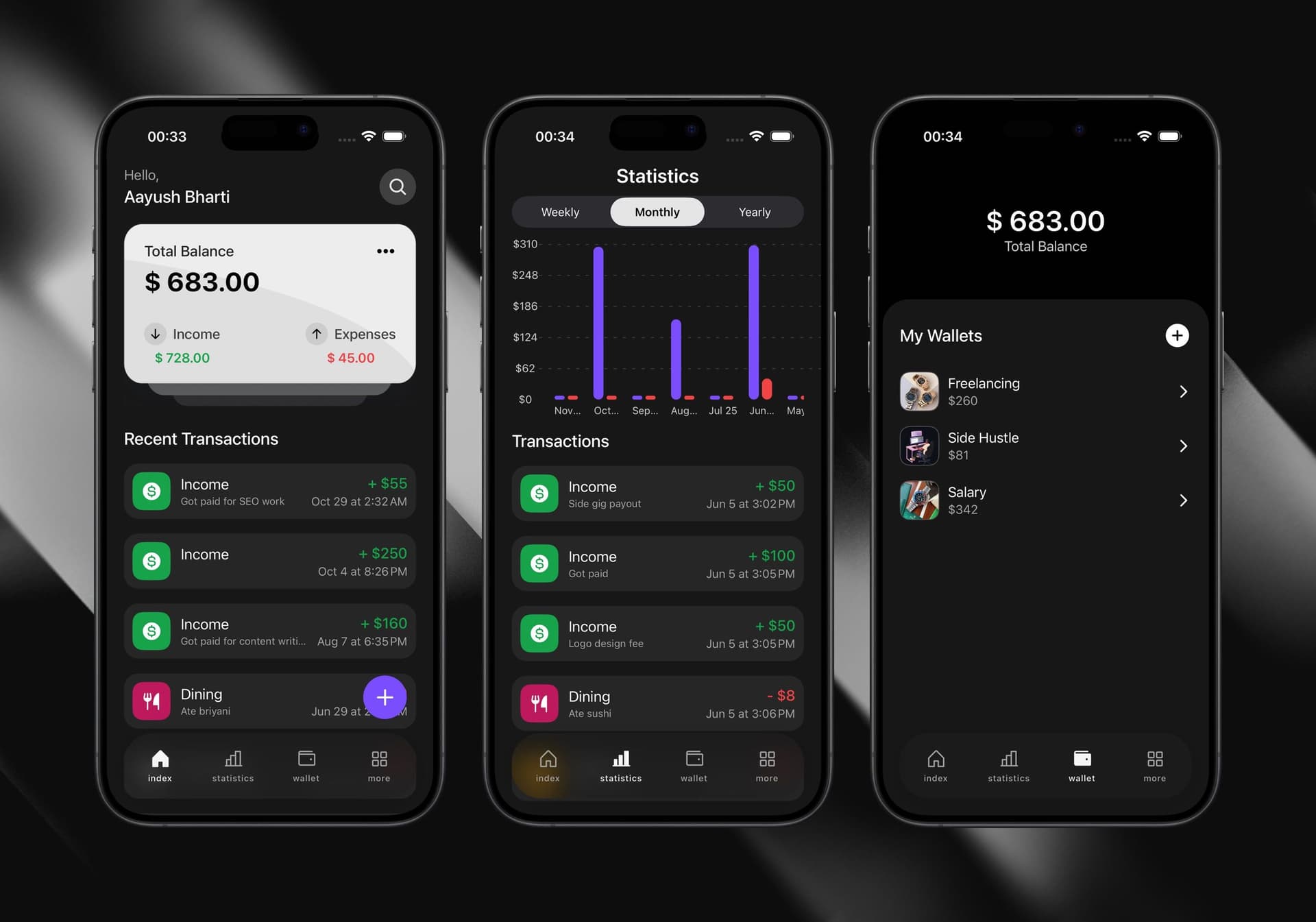




TL;DR: Finote is a personal finance app built with React Native, Expo and TypeScript, using Firebase Firestore and Auth for data and login and Cloudinary for receipt images. Each wallet stores its own balance, income and expense totals, so the hard part is keeping those totals correct when a transaction is edited or moved to another wallet.
What it is
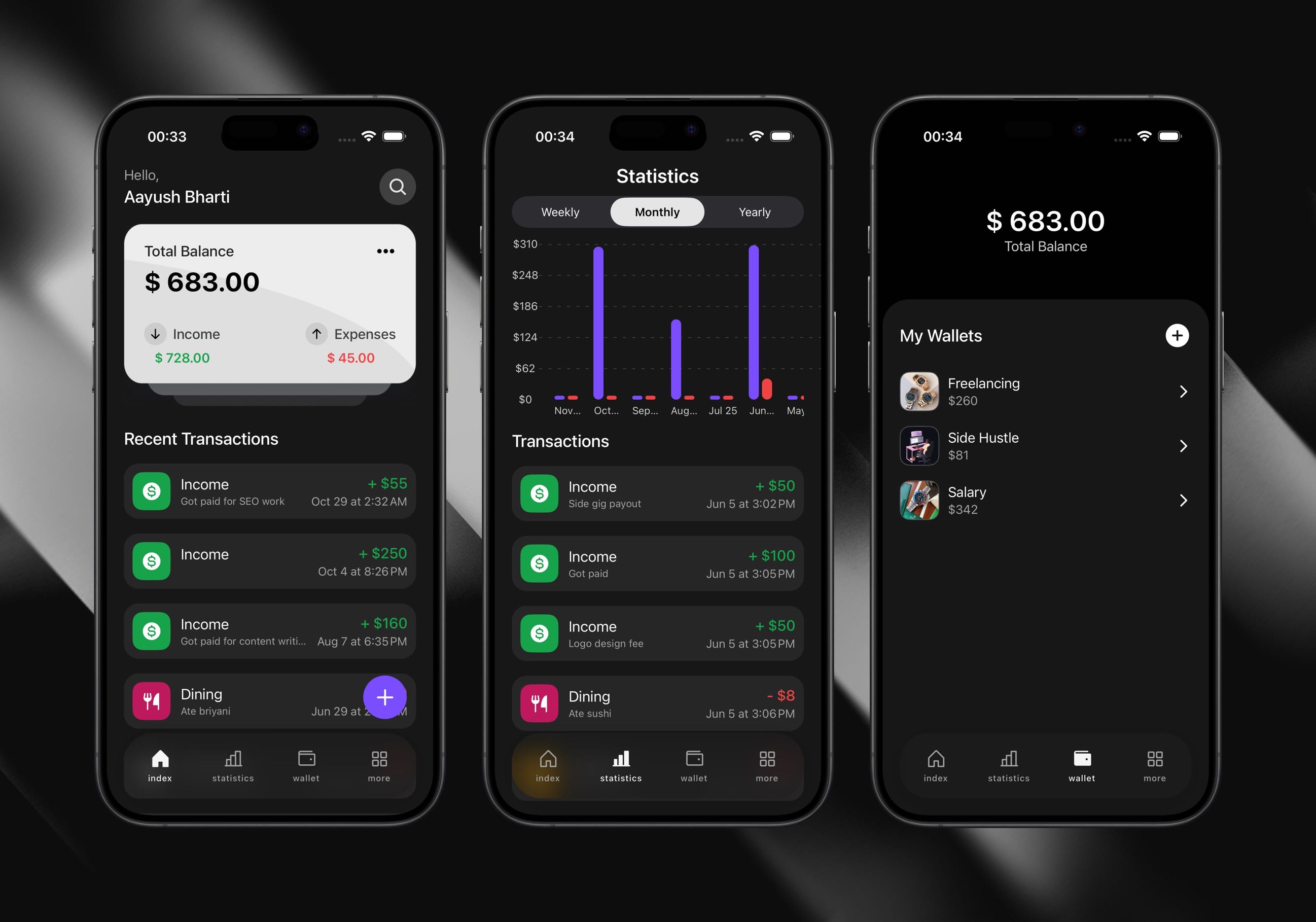
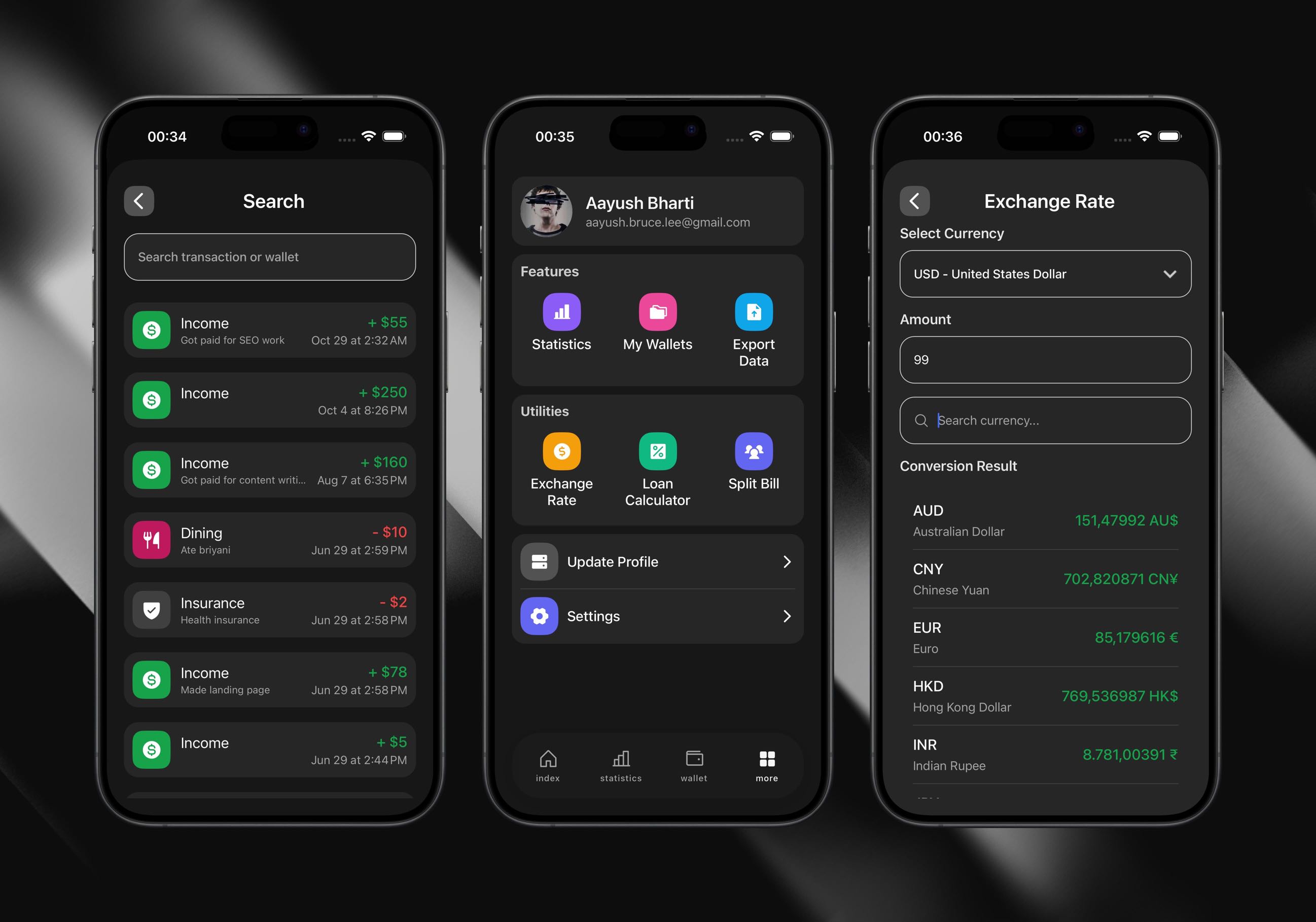
Finote is a personal finance app built with React Native and Expo, released as an Android APK. You create wallets like Salary, Freelance or Cash, log income and expenses against them with a category, notes and an optional receipt photo, and see spending trends in weekly, monthly and yearly charts.
Finote was also how I learned React Native. I wanted to understand the mobile-specific constraints the web never made me think about: gesture handling, 60fps animations on lower-end devices, and keeping data consistent across several documents.
Editing a transaction means undoing it first
Each wallet document in Firestore stores its own amount, totalIncome and totalExpenses, so reading a balance is one document read, with no summing over transactions. The catch: every write has to keep those three numbers correct.
A new transaction is the easy case: Finote checks the wallet, rejects an expense that would take the balance below zero, then adds the amount to totalIncome or totalExpenses. Editing is harder, because the old transaction already moved money. If the type, amount or wallet changed, revertAndUpdateWallets first reverses the old transaction on its original wallet, then applies the new values to the target wallet. It re-reads the target wallet in between, because when you edit within one wallet, that wallet was just updated. Turning an income into an expense on the same wallet, for example, has to undo the income before checking whether the balance can cover the expense.
Receipt photos go to Cloudinary as multipart FormData that points at the photo's file URI. My first version sent base64 strings, which bloated the payloads and blocked the JS thread while encoding.
What I'd change
These updates are separate network calls: the wallet writes, then the Cloudinary upload, then the transaction document. If the receipt upload fails, the wallet balance has already changed but no transaction is saved. I'd upload the receipt first and wrap the wallet and transaction writes in a single Firestore transaction (runTransaction), so they succeed or fail together.